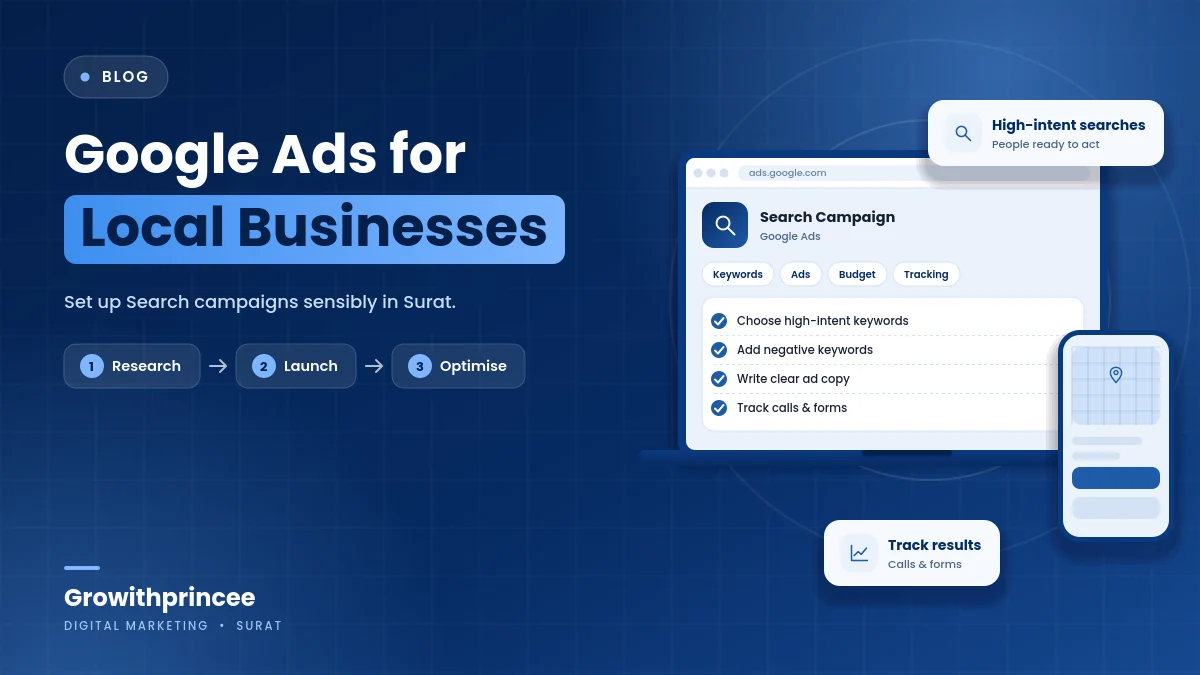
Google Ads for Local Businesses in Surat: How to Set Up Search Campaigns Sensibly
Google Ads can put a Surat business in front of people exactly when they search for what it sells, but only with careful setup. This guide explains how to structure Google Ads local campaigns sensibly: choosing keywords and areas, writing clear ads, adding calls, checking search terms and controlling the budget.
Table of Contents
Table of Contents
What Google Ads local campaigns are good for
Google Ads shows your business when someone searches. If a person in Adajan types “dentist near me” or “AC repair in Pal”, the ad can appear above organic results. Because the searcher has a clear need, Google Ads local campaigns often suit services where people want help soon: clinics, repair services, legal and financial services, coaching classes, event services and more.
They are less suited to businesses where people rarely search, or where the customer needs to be introduced to an idea first. In those cases Meta Ads may work better. Our comparison of Meta Ads vs Google Ads explains the difference.
Start with intent
Choose keywords that reflect what a ready customer would type. “Emergency plumber Surat” shows more intent than “plumbing”. “Buy running shoes in Adajan” shows more than “running”. Group keywords by service so each ad group has a clear theme, and write ads and landing pages for that theme.
Use match types carefully. Broad matching can bring irrelevant searches, while tighter matching gives more control. Review the search terms report often and add negative keywords for terms that do not fit, such as jobs, free, DIY or courses, if you do not offer them. This is one of the most important habits in Google Ads local campaigns.
Set locations deliberately
Choose the areas where you can actually serve customers. A radius around your shop, a list of localities or the whole city can all work, depending on your business. Check the location option so that you reach people in or regularly in your target area, not people merely interested in it. Review performance by area and adjust bids or remove areas that waste money.
If you are targeting neighbourhoods, see our guide to targeting Surat neighbourhoods with local ads and SEO.
Write ads that match the search
Good ads repeat the searcher’s words, state the key benefit and give a clear next step. Include the service, the area, the key differentiator and a call to action. For example, “AC Repair in Pal and Adajan. Same-day visit. Call now.” if you truly offer same-day visits. Use all available headline and description options so the system can test combinations.
Add extensions or assets such as call buttons, location, sitelinks and callouts. Make sure the phone number works and someone answers during advertised hours.
Use negative keywords and review search terms
Every week, review which searches triggered your ads. Add irrelevant ones to your negative keyword list. Look for new useful phrases and add them to your keyword list. This habit reduces waste and improves quality. Do not rely only on automated suggestions. Your knowledge of the business is essential.

Make the landing page ready
Send clicks to a page that matches the ad. If the ad says “AC repair in Pal”, the page should talk about AC repair in Pal and show the phone number, WhatsApp button and a short form near the top. Make sure it loads fast on mobile. Use our landing page checklist for ads and website development services if needed.
Track calls and enquiries
Set up conversion tracking for calls from ads, calls from the website, form submissions and WhatsApp clicks. Record which enquiries become real jobs or sales. Without this, you only see clicks, which can be misleading. Link your Google Ads account to analytics and review the data weekly.

Control your budget
Start with a daily budget you can afford for several weeks, and set it so the campaign can learn but not overspend. Monitor cost per enquiry and cost per customer. Increase budget gradually when results are good, and pause or fix campaigns that do not deliver. Avoid frequent big changes, which reset learning. See our digital marketing budget guide and Google Ads agency services.
Key takeaways on Google Ads local campaigns
- Start with search intent and choose keywords that show a need for your service.
- Set locations deliberately and write ads that match what people searched for.
- Use negative keywords, review search terms and send visitors to a ready landing page.
- Track calls and enquiries, and control your budget with realistic daily limits.
Growithprincee is a certified digital marketing agency in Surat. We have consulted and worked with 40+ brands and share live results with our clients. If you need help with Google Ads local campaigns, contact us.
Frequently asked questions
Is Google Ads good for small businesses in Surat?
It can be, particularly for services people search for urgently. Success depends on setup, budget, landing page and how quickly you answer enquiries.
How does Google Ads differ from SEO?
Ads appear when you pay and stop when you stop, while SEO builds organic visibility over time. Many businesses use both.
Can I run Google Ads without a website?
You can use call-only ads or a Business Profile link, but a landing page usually improves results and tracking.
How long before I see results?
Search ads can bring enquiries quickly, but it takes a few weeks to learn which keywords and ads work best.
Related reading
- Local service provider marketing in Surat
- Meta Ads vs Google Ads for Surat businesses
- Google Business Profile optimization
For the official guidance behind this topic, read the Google Ads Help.
