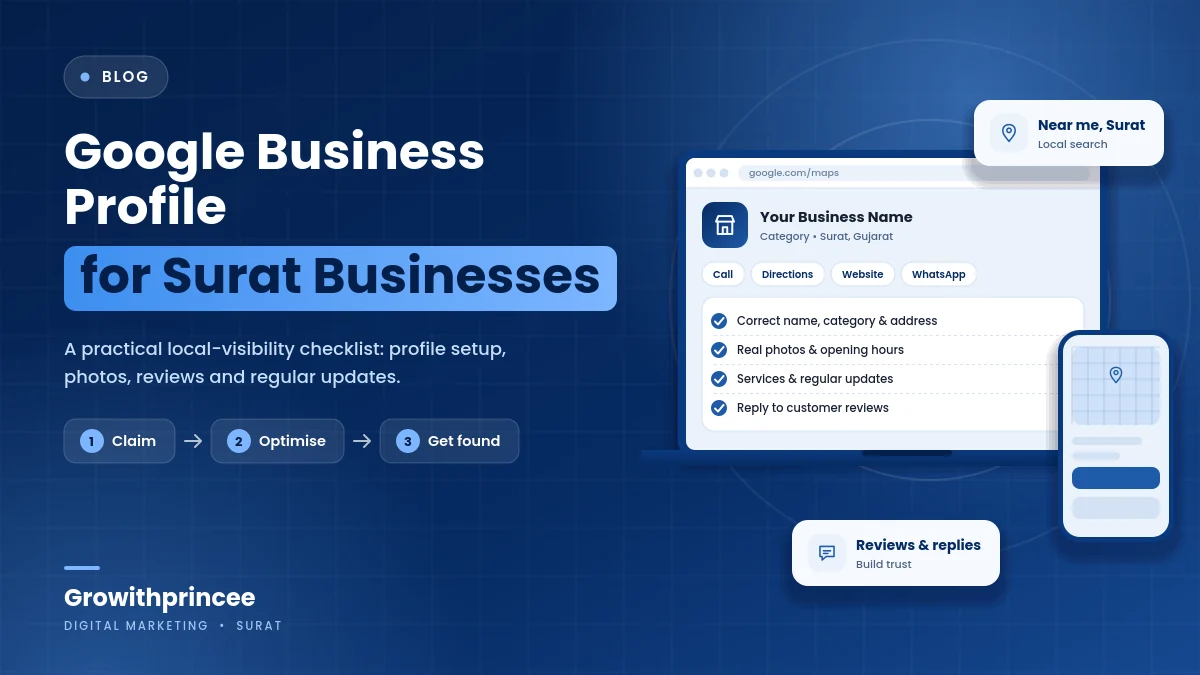
Google Business Profile Optimization for Surat Businesses: A Practical Guide
Your Google Business Profile is often the first thing a Surat customer sees, before your website, your Instagram or your signboard. This guide explains Google Business Profile optimization step by step: accurate basics, categories and services, photos, hours, reviews, posts and tracking, written for owners who want clear actions.
Table of Contents
Table of Contents
Why Google Business Profile optimization matters for Surat searches
When someone in Adajan searches for a dentist, in Vesu for a cafe or in Varachha for a mobile repair shop, Google often shows a map with three businesses first. These results come from Business Profiles. A well-managed profile can bring calls, direction requests, messages and website visits without any advertising spend, which makes Google Business Profile optimization one of the highest-value tasks for a local business.
A neglected profile does the opposite. Wrong hours send customers to a closed door, a missing category keeps you out of relevant searches, and unanswered reviews make people doubt you. The steps below turn the profile into a dependable source of enquiries.
Start with accurate basics
Begin with the details Google and customers rely on most: your business name exactly as it appears on your signboard, your full address, a working phone number, your website URL and your opening hours. Do not add extra keywords or locations to the business name, because this breaks the guidelines and can lead to suspension.
Set regular hours and add special hours for festivals such as Diwali, Navratri and Uttarayan, when many Surat businesses change timings. Mark temporary closures properly. If you serve customers at their location, set your service areas honestly instead of showing an address you do not want public.
Keep your name, address and phone number consistent with your website and directories. Our guide to local citations and NAP consistency explains how to fix mismatches.
Choose categories and services carefully
Your primary category is one of the strongest signals for Google Business Profile optimization. Pick the one that best describes your main business, not the one that sounds most popular. Add secondary categories for other genuine services, but do not add unrelated ones. A dental clinic, for example, may add categories for specific treatments where they are available.
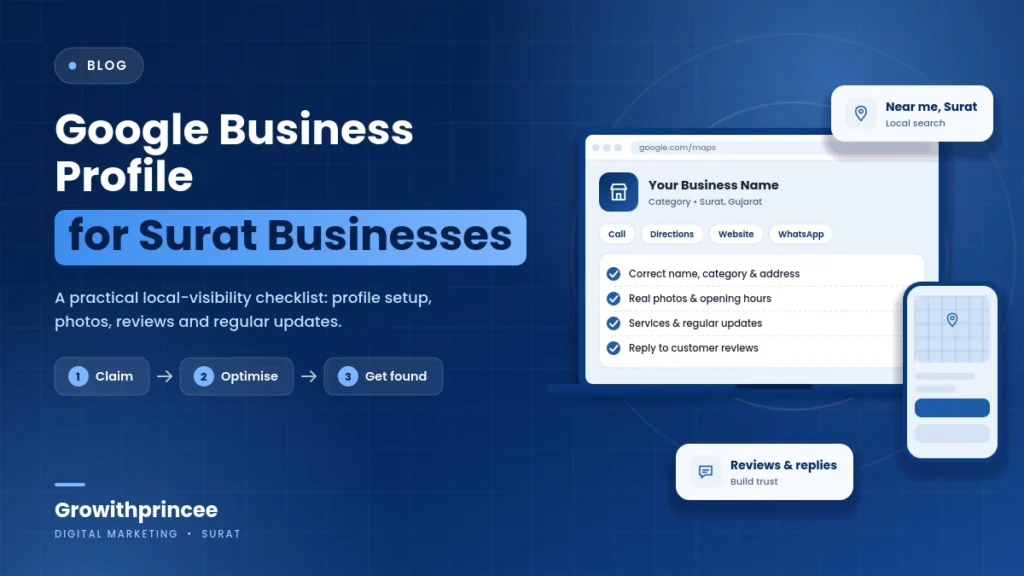
Then fill in services, and products if you sell them. List each service with a short, plain description and a price or starting price where you can honestly provide one. This helps customers decide before they call and helps Google match you to detailed searches.
Write a useful description and add real photos
The description is your chance to tell customers who you are, what you offer, which areas of Surat you serve and what makes you different, in simple language. Write for people, not search engines, and avoid promotional phrases, links and phone numbers in the text, which are not allowed.
Photos build trust. Upload clear pictures of your entrance, interior, team, products, menu and completed work. Add a logo and cover photo. Use real images, not stock photos, and refresh them regularly. Short videos of your premises or work can also help. Avoid photos with heavy filters or text overlays that make the place look different from reality.
Reviews: ask ethically and reply helpfully
Reviews influence both rankings and customer decisions. Ask happy customers to review you, ideally right after good service, using your direct review link or a QR code at the counter. Never offer money or discounts for positive reviews and never post fake ones, which break the rules and can remove reviews or suspend your profile.

Reply to every review promptly and politely. Thank people for positive feedback and mention specifics. For a negative review, stay calm, apologise where appropriate, explain what you will do and invite the customer to contact you offline. Future customers read your replies as much as the review itself. Read our guide to online reviews for Surat businesses.
Use posts, questions and messaging
Posts let you share offers, events, new products and updates directly on your profile. Publish regularly, keep each post clear and add a call-to-action button. Monitor the questions and answers section, answer questions yourself and add common questions with answers. If you enable messaging, respond quickly, or turn it off if you cannot manage replies.
If customers contact you on WhatsApp, consider showing the number and following a simple process like the one in our WhatsApp lead follow-up guide.
Connect your profile to your website and tracking
Link your profile to the most relevant page on your website, usually the homepage or a location or service page. Add tracking parameters to the link so you can see profile visits in analytics. Check the Business Profile performance data for calls, direction requests, messages and website clicks, and compare month to month.

Your website should support the profile with clear service pages, accurate details and a fast mobile experience. See our guide to website SEO and conversion basics for improvements that help conversion.
Common mistakes to avoid
- Adding keywords or area names to the business name.
- Choosing too many or irrelevant categories.
- Using stock or copied photos.
- Ignoring reviews or arguing with reviewers.
- Leaving old hours or phone numbers in place.
- Creating duplicate profiles for the same location.
- Buying reviews or using fake addresses.
If you suspect duplicates or have been suspended, review Google’s guidelines and follow the official process for fixing issues rather than creating new profiles.
A monthly routine for Google Business Profile optimization
- Check hours, phone number, categories and services.
- Add at least a few new photos and one post.
- Reply to all new reviews and request a few more.
- Answer questions and update the Q&A.
- Review performance data and note what changed.
Pair the routine with our local SEO checklist for Surat businesses and, if you want expert help, our SEO services in Surat.
Key takeaways on Google Business Profile optimization
- Get the basics exactly right: name, address, phone number, hours and website.
- Choose the primary category and services carefully so Google understands what you do.
- Use real photos, honest descriptions, regular updates and a steady flow of genuine reviews.
- Track calls, directions and website clicks, and avoid shortcuts that can get a profile suspended.
Growithprincee is a certified digital marketing agency in Surat. We have consulted and worked with 40+ brands and share live results with our clients. If you would like help with Google Business Profile optimization, contact our team.
Frequently asked questions
Is a Google Business Profile free?
Yes. Creating and managing a profile is free. Costs only arise if you choose to run ads or use paid tools.
How long does Google Business Profile optimization take to show results?
Small fixes, such as correcting hours or adding photos, can help quickly. Stronger visibility usually builds over weeks and months as reviews and activity grow, and it depends on competition in your area.
Can a Google Business Profile replace a website?
A profile can bring calls and visits on its own, but a website lets you explain services, show proof and capture enquiries. Most businesses do better with both.
What should I do if my profile is suspended?
Check the reason shown, correct any guideline issues and submit a reinstatement request through the official process. Avoid creating duplicate profiles.
Related reading
- Local keyword research for Surat
- Target Surat neighbourhoods with local ads and SEO
- Google Search Console guide for small businesses
For the official guidance behind this topic, read the Google Business Profile Help.
