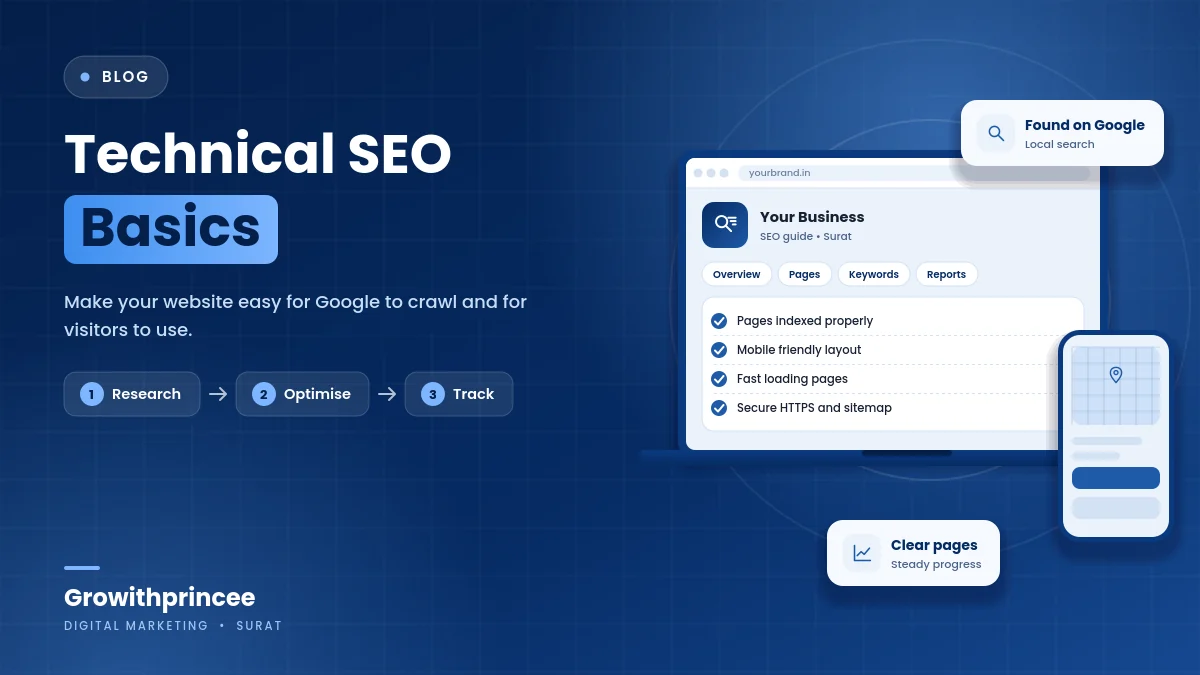
Technical SEO Basics for Small Business Websites in Surat
You do not need to be a developer to understand technical SEO basics. A business website must be crawlable, indexable, fast, secure and free of obvious errors. This guide explains the essentials for Surat small business owners in plain language and gives a simple 30-day plan.
Table of Contents
Table of Contents
What technical SEO basics cover
Technical SEO is the work that lets search engines find, understand and trust your pages. Great content cannot rank if search engines cannot reach it, and a slow or broken site frustrates visitors. technical SEO basics are not glamorous, but they are the foundation for everything else, from local rankings to ads performance.
For a typical Surat business with a service website, the checks are manageable: a handful of settings, a sitemap, fast pages, a clean structure and regular monitoring.
Check that your pages can be crawled and indexed
Search engines discover pages by following links and reading your sitemap. Make sure important pages are not blocked by a robots file or a “noindex” setting. In WordPress, check the setting that discourages search engines and make sure it is off. Submit your sitemap in Google Search Console and look at the indexing report for errors. If key pages are missing from the index, find out why.
Use a simple site search in Google, such as site:yourdomain.com, to see which pages appear. It is not exact, but it gives a quick impression. Our Google Search Console guide explains the reports.
Make the site mobile friendly
Most searches in Surat happen on phones. Check that your text is readable without zooming, buttons are easy to tap, menus work on small screens and pop-ups do not cover content. Use a responsive theme and test pages on real devices. Avoid horizontal scrolling and tiny links.
Mobile usability also affects conversion. A visitor who struggles to tap the call button will not call.
Improve speed
Speed affects rankings and user patience. Compress and resize images, use modern formats, enable caching, remove unused plugins and scripts, and choose reliable hosting. Test key pages with free tools and fix the biggest issues first. Our website speed and Core Web Vitals guide gives step-by-step fixes.
Use HTTPS and a clean URL structure
HTTPS encrypts the connection and builds trust. Make sure your site loads securely on every page and that the non-secure version redirects to the secure one. Keep URLs short, readable and consistent, such as /services/seo-services-in-surat/. Avoid changing URLs without redirects, because broken links lose visitors and ranking signals.

Choose one version of your domain (with or without www) and redirect the other to it.
Fix broken links and duplicate content
Broken links frustrate users and waste crawl effort. Use a crawler or the reports in your SEO plugin to find them, then fix or redirect. Avoid duplicate pages with nearly identical content, such as multiple versions of the same service page. Use canonical tags to tell search engines which version to prefer. Merge thin pages that add little.
Add structured data where useful
Structured data helps search engines understand your content. For a local business, mark up your name, address, phone number, opening hours and, where appropriate, FAQs and reviews that are visible on the page. Use a reputable plugin and test the markup with Google’s tools. Only mark up what is true and visible. Misleading markup can lead to penalties.

Mistakes to avoid in technical SEO basics
- Leaving the site hidden from search engines after development.
- Changing page URLs without redirects.
- Using heavy sliders and large images that slow pages.
- Installing many plugins that overlap.
- Ignoring errors in Search Console.
- Making changes without recording what changed.
A simple 30-day plan
- Week 1: check indexing, robots settings and sitemap.
- Week 2: test mobile usability and fix the main issues.
- Week 3: improve speed by compressing images and removing extras.
- Week 4: fix broken links, check HTTPS and add accurate structured data.
Then schedule a short check every month. Pair this with our local SEO checklist and website SEO conversion basics, and see our SEO services in Surat if you want help.
Key takeaways on technical SEO basics
- Make sure search engines can crawl and index the pages that matter.
- Make the site mobile friendly, fast and secure with HTTPS.
- Fix broken links and duplicate content, and add structured data where it is accurate.
- Use a simple monthly check instead of one big overhaul.
Growithprincee is a certified digital marketing agency in Surat. We have consulted and worked with 40+ brands and share live results with our clients. If you want a technical review of your site, contact us.
Frequently asked questions
Do I need a developer for technical SEO?
Many basics can be done by a careful owner with a good plugin and hosting. For complex problems, such as site migrations, a developer or specialist helps.
How often should I run a technical check?
A short monthly check and a deeper review every quarter is enough for most small sites.
Does technical SEO guarantee rankings?
No. It removes obstacles, but rankings also depend on content, competition and reputation.
What is the first thing to check?
Whether your important pages are indexed and load properly on mobile.
Related reading
- AI search visibility for Surat businesses
- Image SEO and alt text guide
- Local keyword research for Surat
For the official guidance behind this topic, read the Google Search Central SEO Starter Guide.

2 Responses